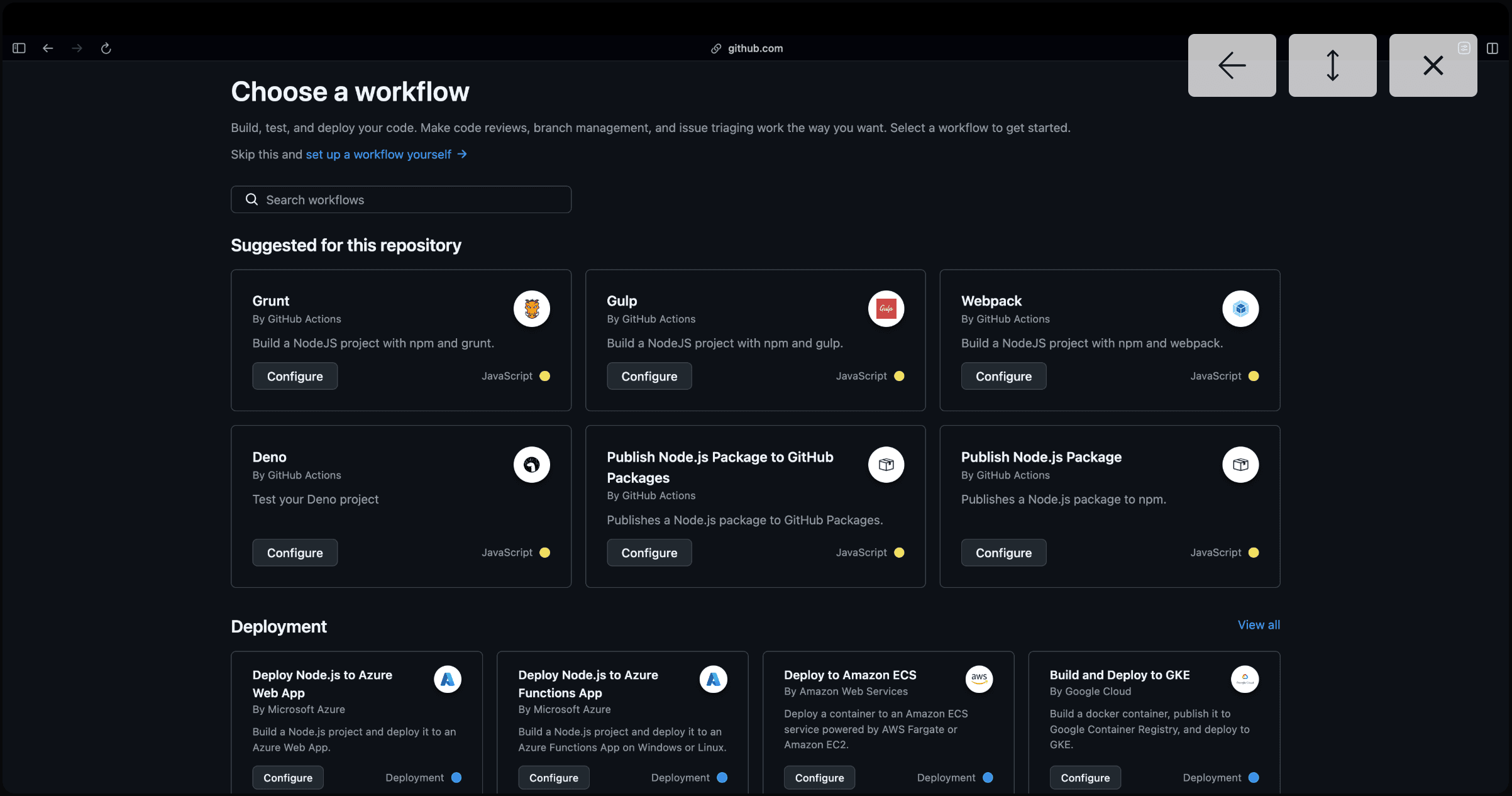
Automation in the software development lifecycle (SDLC) is not a luxury; it is a foundational requirement for maintaining velocity and code quality. Continuous Integration (CI) and Continuous Deployment (CD) ensure that every code change is validated and delivered with minimal human intervention.
This guide explores a robust CI/CD implementation utilizing GitHub Actions and Docker, designed for modern, scalable applications.
Why Container-First CI/CD?
Using Docker as the vehicle for deployment provides consistency across environments. A containerized pipeline ensures that:
- Environment Parity: The application runs in the same environment on a developer's machine as it does in staging and production.
- Dependency Isolation: Version conflicts are eliminated by bundling and isolating dependencies within the image.
- Scalability: Docker images can be easily deployed to orchestrators like Kubernetes or cloud services like AWS ECS.
Part 1: Continuous Integration (CI)
The CI pipeline is triggered on every Pull Request. Its primary goal is to verify that the incoming code does not break the existing build.
The Build Workflow
name: Build Verification

on:
  pull_request:
    branches: [main, develop]

jobs:
  verify-build:
    runs-on: ubuntu-latest
    steps:
      - name: Checkout Source
        uses: actions/checkout@v4

      - name: Setup Node.js Environment
        uses: actions/setup-node@v4
        with:
          node-version: '20'
          cache: 'npm'

      - name: Install Dependencies
        run: npm ci

      - name: Execute Build Sequence
        run: npm run build
Optimization Note: Using npm ci instead of npm install is standard practice in CI environments. It ensures a fast, clean, and reproducible installation based exactly on the package-lock.json.
Part 2: Containerization with Docker
Before deployment, we must build a production-ready image. For monorepo structures using tools like TurboRepo, the Dockerfile should be optimized for build caching.
Optimized Dockerfile Strategy
# /docker/Dockerfile.production

FROM node:20-alpine AS base

# Install dependencies only when needed
FROM base AS deps
RUN apk add --no-cache libc6-compat
WORKDIR /app
COPY package.json package-lock.json ./
RUN npm ci

# Rebuild the source code only when necessary
FROM base AS builder
WORKDIR /app
COPY --from=deps /app/node_modules ./node_modules
COPY . .
RUN npm run build --filter=user-app

# Production image, copy all the files and run next
FROM base AS runner
WORKDIR /app
ENV NODE_ENV production
COPY --from=builder /app/package.json .
COPY --from=builder /app/apps/user-app/next.config.js .
COPY --from=builder /app/apps/user-app/public ./public
# ... additional production configurations
Part 3: Continuous Deployment (CD)
Once the build is verified, the CD pipeline automates the process of pushing the updated image to a registry like Docker Hub.
The Deployment Workflow
To enable this, we use the docker/build-push-action along with GitHub Secrets for authentication.
name: Deployment to Registry

on:
  push:
    branches: [main]

jobs:
  push-to-registry:
    runs-on: ubuntu-latest
    steps:
      - name: Login to Docker Hub
        uses: docker/login-action@v3
        with:
          username: ${{ secrets.DOCKER_USERNAME }}
          password: ${{ secrets.DOCKER_PASSWORD }}

      - name: Build and Push Production Image
        uses: docker/build-push-action@v5
        with:
          push: true
          tags: your-namespace/app-name:latest
          file: ./docker/Dockerfile.production
Summary of Best Practices
- Fail Fast: Ensure unit tests run before the Docker build to save compute resources.
- Secrets Management: Never hardcode credentials. Use GitHub Secrets or a dedicated Vault.
- Image Tagging: Avoid using the
latesttag in production. Instead, tag images with the GitHub Commit SHA for easy rollbacks.
By implementing these patterns, you create a resilient delivery pipeline that allows your team to focus strictly on shipping features rather than managing infrastructure.